

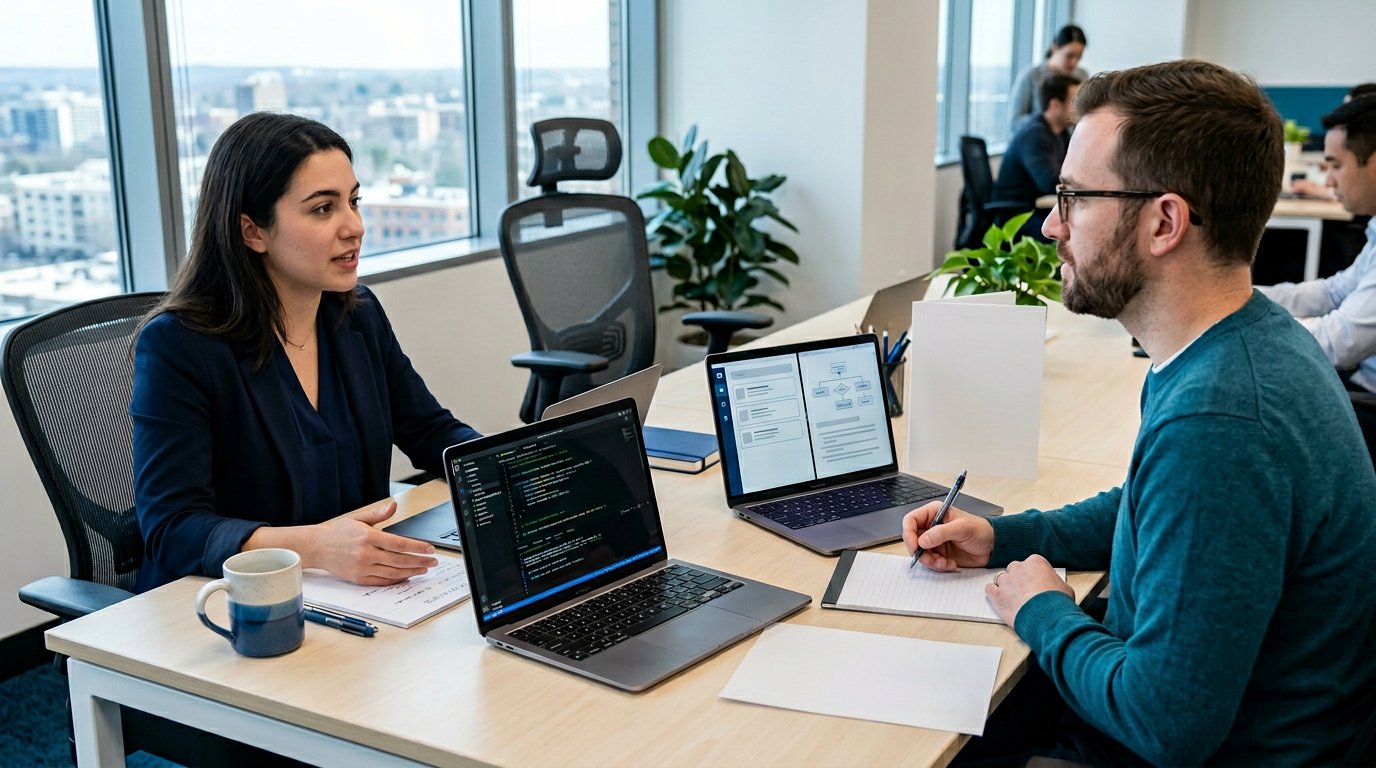
Can you use AI during a software engineer interview? Only when the employer explicitly permits it for that round, using the approved tools and scope. If the instructions are silent or unclear, do not use AI during the evaluation; ask the recruiter first.
Permission for one coding round does not extend to the rest of the process. Check the invitation and assessment instructions for your specific role. You can still use an AI mock interview beforehand to rehearse explanations and identify gaps without relying on live assistance.
Why the answer keeps changing
Employers are testing different formats, so headlines can sound more permissive than your actual invitation.
On May 7, 2026, Business Insider reported a Google pilot allowing an approved AI assistant in code-comprehension interviews for selected teams. That was reporting on a limited format, not blanket permission for Google interviews.
In October 2025, Meta publicly described AI-enabled coding interviews. Meanwhile, LinkedIn’s published candidate policy allows live AI use only when recruiting explicitly includes it in the format. A pilot, company announcement, and your round’s written rules are different evidence; the last determines what you may use.
What is allowed

Use this scenario check before opening any assistant:
| Scenario | What to confirm |
|---|---|
| Interview practice | Use your own practice questions and code; keep confidential employer material out of external tools. |
| Online assessment | Check whether AI, autocomplete, search, or outside help is permitted. A built-in assistant does not authorize other tools. |
| Live coding | Confirm the exact round, approved assistant, and whether prompts and output must be visible to the interviewer. |
| Take-home assignment | Ask which AI contributions are allowed and how to disclose them; be ready to explain and defend the submission. |
An open-book round does not automatically allow AI. If instructions conflict, get clarification before starting. Turn off unapproved IDE assistants and background copilots.
Live AI vs. mock practice
Mock practice gives you feedback before anyone evaluates you. Use it to rehearse coding explanations, system design tradeoffs, and project follow-ups, then repeat the answer unaided.
A live interview evaluates your work under the employer’s rules. Hidden answer generation or a second-screen copilot can violate those rules even when you understand the output. Familiarity with a tool is not permission to use it.
Code comprehension rounds
When AI is explicitly approved, prepare to read unfamiliar code, question suggestions, test edge cases, and explain your decisions. You remain responsible for every change.
For a focused practice workflow, see AI-assisted interviews for software engineers. Keep at least one rehearsal fully unaided so you can continue if the assistant is unavailable or the format changes.
Confirm your round
Before each process, read the instructions, resolve any gaps in writing, then practice under those exact conditions. Send this to your recruiter:
Could you confirm whether AI is permitted in my upcoming [round name]? If so, which tools and tasks are allowed, and how should I disclose usage? Does that permission also cover IDE autocomplete, web search, and take-home work? If AI is not permitted, I will complete the round without it.
Save the reply and confirm any changes with the interviewer before starting. If approval remains vague, proceed unaided. If AI is approved, keep usage visible and be able to explain the result yourself.
Can you use AI during a software engineer interview? Let the written rules for your round answer that question, and use preparation to make sure you can perform either way.