
The best AI for resume work depends on what you need to finish. Start with Rezi for structured writing and optimization, Kickresume for a first draft with templates, or Teal for managing versions across multiple applications. Consider Jobscan for job-description matching, Resume Worded for feedback on an existing draft, and Enhancv for layout control alongside AI editing. InterviewCue connects resume evidence with role fit and interview preparation.
A useful tool should leave you with a clearer next step: a draft you can edit, specific problems you can fix, or an application document you can submit. A high score alone does not tell you whether your experience fits a role or whether your claims will stand up in an interview.
This guide compares complete resume products. For choosing the underlying writing model, read our best LLMs for resume writing comparison.
Best AI Resume Tools at a Glance
These are recommendations by task, rather than an overall performance ranking. The free-plan comparison later in this guide explains what each starting option includes.
| Tool | Best fit and main output | Free starting point | Main tradeoff |
|---|---|---|---|
| InterviewCue AI | Role alignment and interview preparation; an analysis report | Profile Analysis through a free account trial | The report is separate from resume editing |
| Rezi | Structured writing and optimization; an edited resume | One resume and three PDF downloads | Limited free analysis and AI access |
| Kickresume | Starting a draft and choosing a template; a formatted resume | Four basic templates and unlimited downloads | AI Writer and broader features sit in Premium |
| Teal | Multiple applications; resume versions and job tracking | Unlimited resumes and tracking with limited AI credits | Detailed matching and more AI require Teal+ |
| Jobscan | Comparing a draft with a JD; matching feedback | Free builder and downloads; scan limits apply separately | Builder access does not mean unlimited analysis |
| Resume Worded | Reviewing existing content; prioritized feedback | Initial resume review | Full analysis and broader rewrites require Pro |
| Enhancv | Editing content and presentation; a designed resume | Seven-day plan with branding and item limits | Trial and paid access have different restrictions |
How We Compared These AI Resume Tools
We reviewed official features and plans on October 22, 2026. Recommendations reflect workflow fit, not controlled resume tests, independent parsing measurements, or interview outcomes. Workflows are suggested uses, not completed tests.
Disclosure: InterviewCue publishes this guide and includes its own product, with capabilities and limitations described alongside the others.
Six features matter when choosing an AI resume tool:
- Import: Can you use your existing file, or will you need to re-enter experience? Check that dates, titles, and project details survive the import.
- Writing and editing: Can you revise a selected bullet or section, review the proposed change, and keep the facts intact?
- Job matching: Does the tool compare your resume with a specific job description and explain what needs attention?
- Review quality: Does the feedback identify an editable problem, such as an unclear achievement, rather than only assigning a score?
- Export and formatting: Can you obtain the file you need, adjust the layout, and check the final result before submitting?
- Pricing and limits: Separate free creation, AI credits, report access, and downloads. They may have different restrictions.
A builder, a checker, and a job-matching tool can overlap, but their outputs serve different purposes. Compare the task you can complete with each product before comparing subscription prices.
7 Best AI Resume Tools: Detailed Comparisons
1. InterviewCue AI — For role alignment and interview preparation
InterviewCue’s Resume Optimizer compares resume evidence with a target role and JD, identifying matches, gaps, core issues, improvements, and likely interview questions.
For a migration leadership claim, prepare to explain your decisions, individual contribution, and tradeoffs. This review can also reveal wording that needs clarification.
Suggested workflow:
- Upload a resume and provide the target role
- review alignment and evidence gaps
- prioritize edits and interview preparation.
Pros
- Analysis connects role requirements with the experience presented in your resume.
- Likely questions help turn document review into preparation for follow-up discussion.
Cons
- The analysis report recommends changes; it does not itself replace the resume-editing workflow.
- It does not reproduce an employer’s ATS settings or certify document formatting.
Pricing and free limits: The free trial includes Profile Analysis through a free account. Current allowances and paid access appear in the app’s plan comparison. Upload accepts PDF, DOC, and DOCX files up to 10 MB; use extractable text. Resume Builder’s AI Tailor is a separate workflow with before-and-after review. See InterviewCue Resume Optimizer.
Choose InterviewCue if you want to identify role-fit gaps and prepare to explain the experience behind your application.
2. Rezi — For structured writing and resume optimization
Rezi combines writing, editing, keyword targeting, and content analysis in a structured editor. It suits role-specific revisions, with limited free downloads to check the exported document before paying.
For technical resumes, preserve scope, ownership, and verified outcomes. Use suggested keywords only when your experience supports them.
Suggested workflow:
- Enter your experience
- revise content and review targeting feedback
- check the exported resume.
Pros
- Writing, editing, and optimization features support a connected revision process.
- Limited free PDF downloads let you evaluate the final document, rather than only the editor preview.
Cons
- One free resume and limited analysis make the free tier restrictive for several simultaneous applications.
- The product score needs interpretation; raising it does not establish that you meet an employer’s requirements.
Pricing and free limits: Free includes one resume, limited AI features, and three PDF downloads. Pro is $29 per month. A $149 Lifetime option is also listed; unlike Pro, it does not include the monthly expert review. See Rezi pricing.
Choose Rezi if you want a structured environment for writing and checking a resume and are comfortable reviewing automated suggestions yourself.
3. Kickresume — For a first draft with template choices
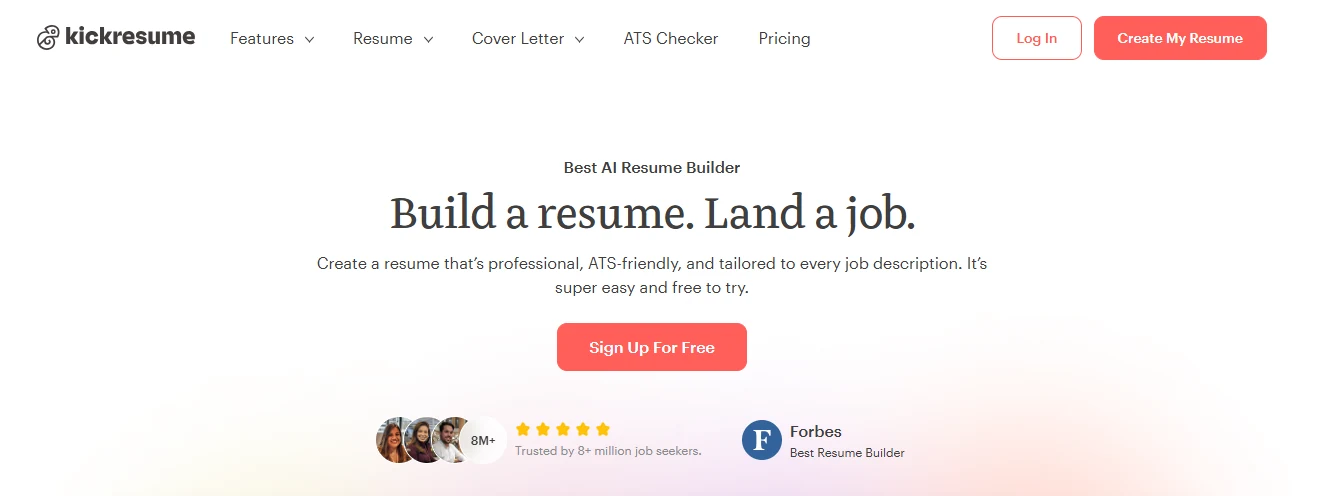
Kickresume combines templates and AI writing for content and presentation. Free access covers basic templates; Premium expands writing and review features.
A job title can suggest structure, not achievements. Supply real projects, responsibilities, dates, and outcomes, and verify any generated experience against those notes.
Suggested workflow:
- Supply career details
- draft and personalize sections
- choose a template and download.
Pros
- Template choices and writing tools can reduce the work of assembling a first draft.
- Free basic templates include unlimited downloads, so basic document creation has a clear starting point.
Cons
- Free downloads do not mean that Premium AI Writer and checking features are included.
- A generated draft still needs personal evidence; plausible responsibilities can make a resume sound generic.
Pricing and free limits: Free includes four basic resume templates. Premium is $24 monthly, $54 every three months, or $96 yearly. The yearly offer is advertised as $8 per month but is billed annually. Premium lists AI Writer, ATS Resume Checker, and LinkedIn and PDF import. See Kickresume pricing.
Choose Kickresume if your immediate need is to turn career notes into a readable first draft with a consistent design.
4. Teal — For managing resumes across multiple applications
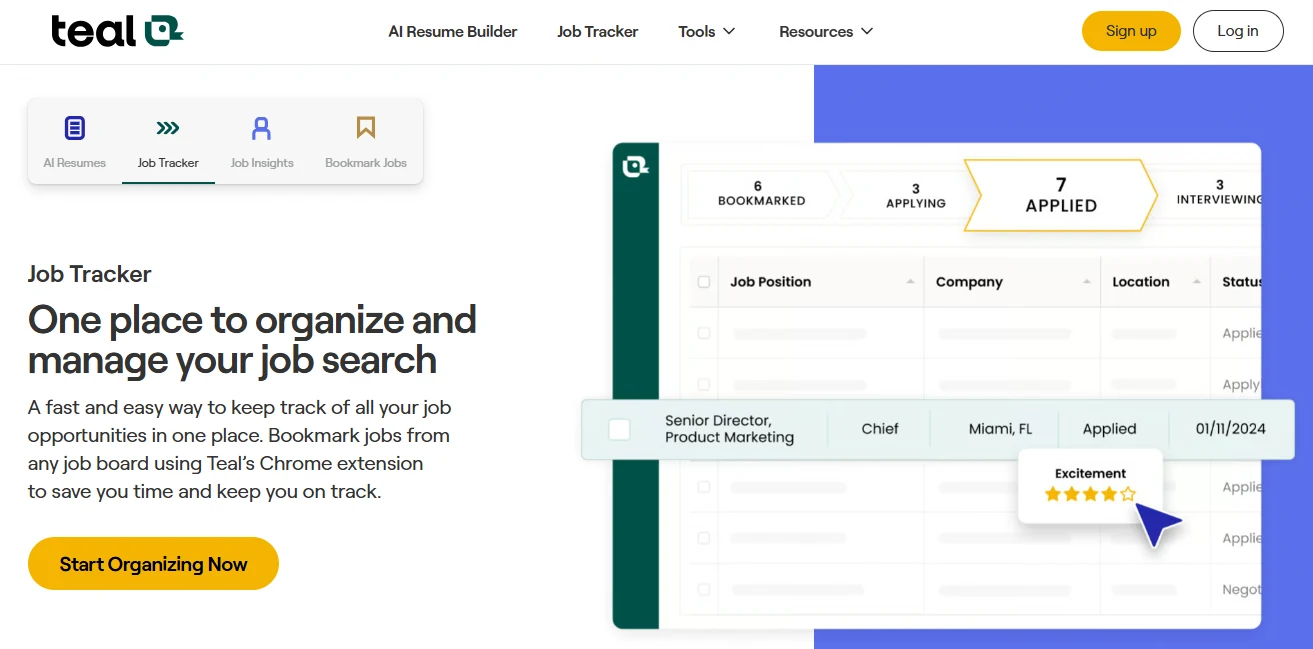
Teal combines resume creation and job tracking to organize versions and application status. Features include JD matching, resume analysis, and AI-generated bullets and summaries.
For backend and platform applications, adapt the emphasis while keeping one factual project record. Track versions so you submit and prepare from the right draft.
Suggested workflow:
- Save target jobs
- create and tailor resume versions
- track each application.
Pros
- Resume versions and job tracking address the organizational work around repeated applications.
- Free access includes unlimited resumes and tracking, with limited AI credits for trying the writing features.
Cons
- The free plan shows limited keyword insights and basic analysis.
- The broader workspace may add unnecessary setup if you only want to improve one paragraph.
Pricing and free limits: Teal+ lists $13 every seven days, $29 every 30 days, or $79 every 90 days. Free lists 10 bullet credits, two summary credits, and two cover-letter credits; these should not be assumed to renew monthly. See Teal pricing.
Choose Teal if maintaining consistent versions across applications takes as much effort as writing the resume itself.
5. Jobscan — For reviewing a resume against a job description
Jobscan compares existing resumes with job postings and also offers AI Optimize, a builder, and application tracking. See Jobscan’s product overview.
Use matching feedback to clarify relevant experience you described differently. Leave out missing skills or experience you cannot support.
Suggested workflow:
- Provide a resume and JD
- inspect matching feedback
- revise supported content and review again.
Pros
- A role-specific comparison can focus your edits on one application.
- A separate free builder offers a route to creating and downloading a resume.
Cons
- Frequent checking and broader AI optimization can require paid access.
- A match indicator should not become a target that encourages irrelevant repetition.
Pricing and free limits: Jobscan advertises a free builder with downloads. Its official promotion page lists a seven-day Premium trial on a quarterly plan billed at $89.95 every three months. Confirm renewal terms, current scan allowances, and other plans in the account’s plan selector.
Choose Jobscan if you have a specific job description and want to investigate where your draft does and does not reflect it.
6. Resume Worded — For actionable feedback on an existing draft
Resume Worded reviews resumes and LinkedIn profiles for content quality and job alignment. Uploads accept English PDF or DOCX resumes up to 2 MB. See the official product page.
Use its feedback to prioritize edits in an existing draft. Focus on clearer outcomes and responsibilities rather than changes made only to raise a score.
Suggested workflow:
- Upload an existing resume
- inspect feedback and suggested edits
- revise the document and review again.
Pros
- The review-oriented workflow suits candidates who already have substantial content.
- Resume and LinkedIn feedback can help you examine consistency across application materials.
Cons
- Full analysis and expanded AI rewrites are paid features.
- Feedback still leaves you responsible for the final document’s layout, accuracy, and relevance.
Pricing and free limits: An initial review is available free. Pro lists $49 monthly, $99 every three months, or $229 for a year. Pro includes full analysis, AI rewrites, and unlimited complete reviews. See Resume Worded Pro.
Choose Resume Worded if the main question is what to improve in an existing resume, rather than how to create a document from scratch.
7. Enhancv — For layout control alongside AI editing
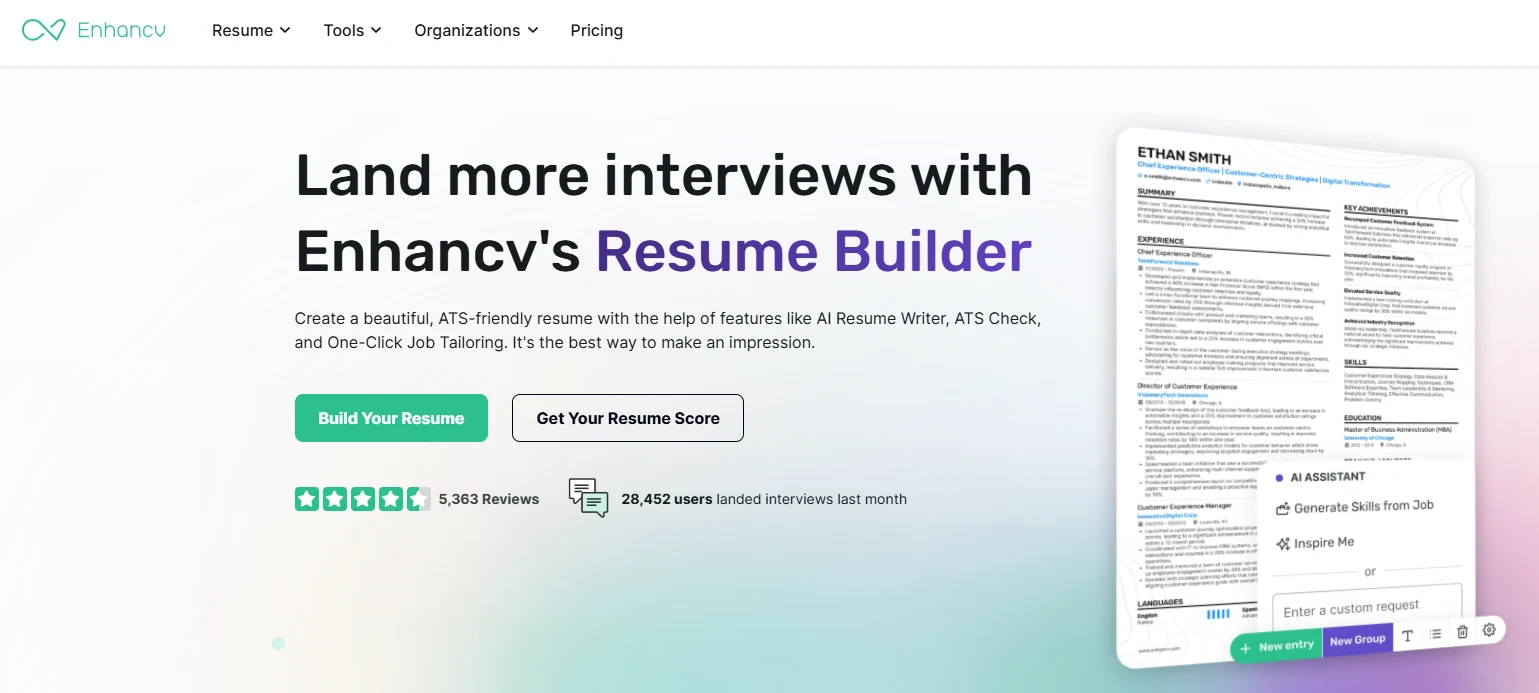
Enhancv combines design controls with AI writing, checking, and job tailoring for content and layout improvements. Its official product page details these features.
Prioritize relevant experience, projects, skills, or education, then choose a layout that supports that order. Check the exported file and text reading order, not just the editor preview.
Suggested workflow:
- Add resume content
- refine wording and adjust layout
- inspect the final document.
Pros
- Design and content tools allow you to work on presentation and wording together.
- Template and section options can help organize different kinds of career evidence.
Cons
- The free plan is time-limited and includes branding and section-item restrictions.
- Layout choices need a final readability check, especially when adapting a dense technical resume.
Pricing and free limits: The pricing page lists a seven-day free plan with Enhancv branding and a maximum of 12 section items. Pro removes branding and expands access. Confirm the paid price and billing period in the live checkout; use the official pricing page rather than an older comparison article.
Choose Enhancv if you want to control how the document reads visually while refining its content.
Which AI Resume Tool Fits Your Situation?
Start with the problem that is preventing you from submitting a strong application. Buying several overlapping tools before identifying that problem can create more reports without making the next edit clearer.
You have career notes but no usable draft. Compare Kickresume and Rezi. Look for an editor that helps you organize the evidence and produce a readable file. If layout control is a major concern, include Enhancv in your shortlist. Supply real project details before asking the tool to generate achievements.
You already have a resume but cannot identify its weak points. Start with Resume Worded for content feedback. If the question is specifically how the draft fits a job posting, include Jobscan. Choose the report that gives you a concrete revision you understand, rather than the highest numerical score.
You are applying for several different roles. Teal is worth considering for version and application management. Keep the original facts consistent across versions. Changes in emphasis should not produce different dates, levels of responsibility, or claims about the same project.
Your resume is ready, but you are unsure how to defend it in an interview. Consider InterviewCue’s role and evidence analysis. Identify claims that need a supporting story and requirements that expose a genuine gap. Then prepare examples you can explain without relying on memorized wording.
For a backend-to-platform application, for instance, you might emphasize supported deployment, reliability, and infrastructure work. You should not add a tool you have never used just because it appears in the JD. Our resume tailoring guide explains how to make those relevance decisions.
What Can You Actually Do for Free?
Free access can be enough for a basic document or an initial diagnosis. Before spending time in an editor, check the final step you need to complete. A free account, a free trial, and free downloads are different offers.
| Tool | Useful free access | Boundary to check |
|---|---|---|
| InterviewCue AI | Profile Analysis in the free account trial | Account allowance; analysis differs from editing |
| Rezi | One resume and three PDF downloads | AI and analysis are limited |
| Kickresume | Four basic resume templates and unlimited downloads | Premium AI and checker access are separate |
| Teal | Unlimited resumes and tracking; limited AI credits | Basic analysis and limited keyword insights |
| Jobscan | Resume creation and downloads in its free builder | Current scan allowance and AI access in your account |
| Resume Worded | Initial resume feedback | Full report and broader rewrites require Pro |
| Enhancv | Seven-day access to basic creation and design | Branding, 12-item limit, and trial expiry |
Plan details are summarized in the product sections above. Offers can change, and the amount charged depends on the billing period selected. An annual price expressed per month is not a monthly payment option.
For a short search, compare the total amount you will pay with the work you expect to complete. Before upgrading, confirm whether you need additional AI generations, a full report, more versions, or a particular export option. A subscription is useful when it removes a specific restriction you have encountered.
Frequently Asked Questions
What is the best AI tool for resume writing?
Start with Rezi or Kickresume for drafting and editing, or Teal for multiple applications. Choose by your need for a new draft, targeted edits, or version management, and try one section before subscribing.
Can I improve an existing resume without rebuilding it?
Yes. Resume Worded, Jobscan, and InterviewCue offer content feedback, JD matching, or role evidence analysis while you keep your document. If importing into a builder, check for parsing errors before editing.
Does a high ATS score mean my resume will pass screening?
No. A tool’s score is its own assessment, not an employer’s decision or a verified pass probability. Check readability, relevant experience, application questions, and role requirements. Improve supported content rather than adding skills to raise the score.
Is a general AI assistant enough for my resume?
For a bullet rewrite or summary, it may be enough. Dedicated products can add templates, editing, matching reports, and version management. For model selection, see our LLM comparison.
What should I check before submitting an AI-assisted resume?
Verify dates, titles, skills, metrics, ownership, contact details, and links. Keep relevant evidence easy to find. Check exported spacing and page breaks, copy text to inspect reading order, and save the submitted version for interview preparation.
The best AI resume tools make the next step easier to complete and review. Pick a builder when you need a document, a checker when you need specific feedback, and a role-analysis workflow when you need to connect your experience with a target job.
Already have a draft and a role in mind? Compare your resume with the job description using InterviewCue to identify evidence gaps and prioritize what to prepare next.